
Find the one photo
you want
from thousands
with ease
Lightning-fast navigation with smart star ratings

Available now on the Mac App Store
Browse hundreds of photos at lightning speed
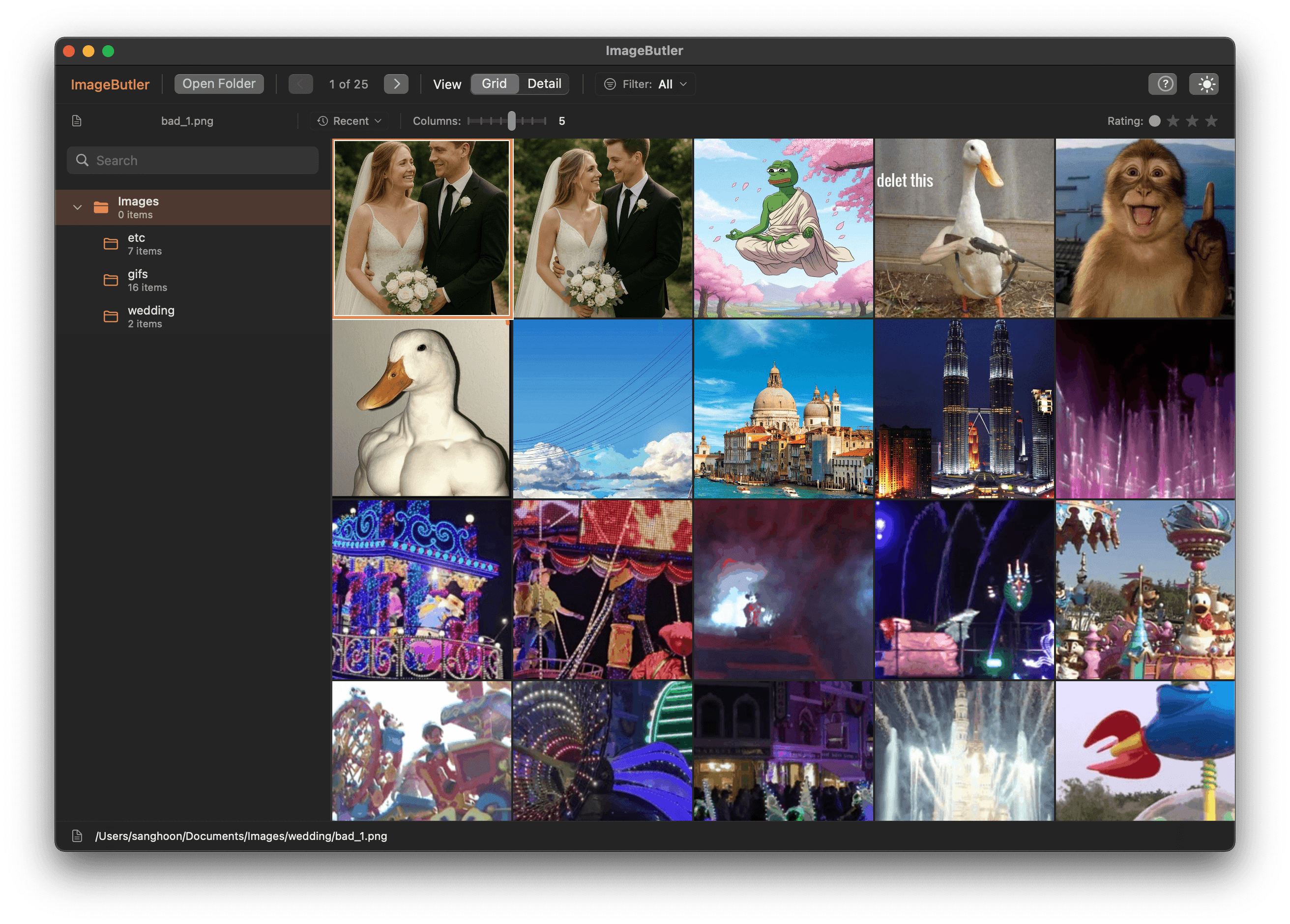
Rate your photos instantly
Transform chaos into organized collections with simple keyboard shortcuts

☆☆☆
Unrated photos

★☆☆
Needs work

★★☆
Good shots

★★★
Portfolio ready
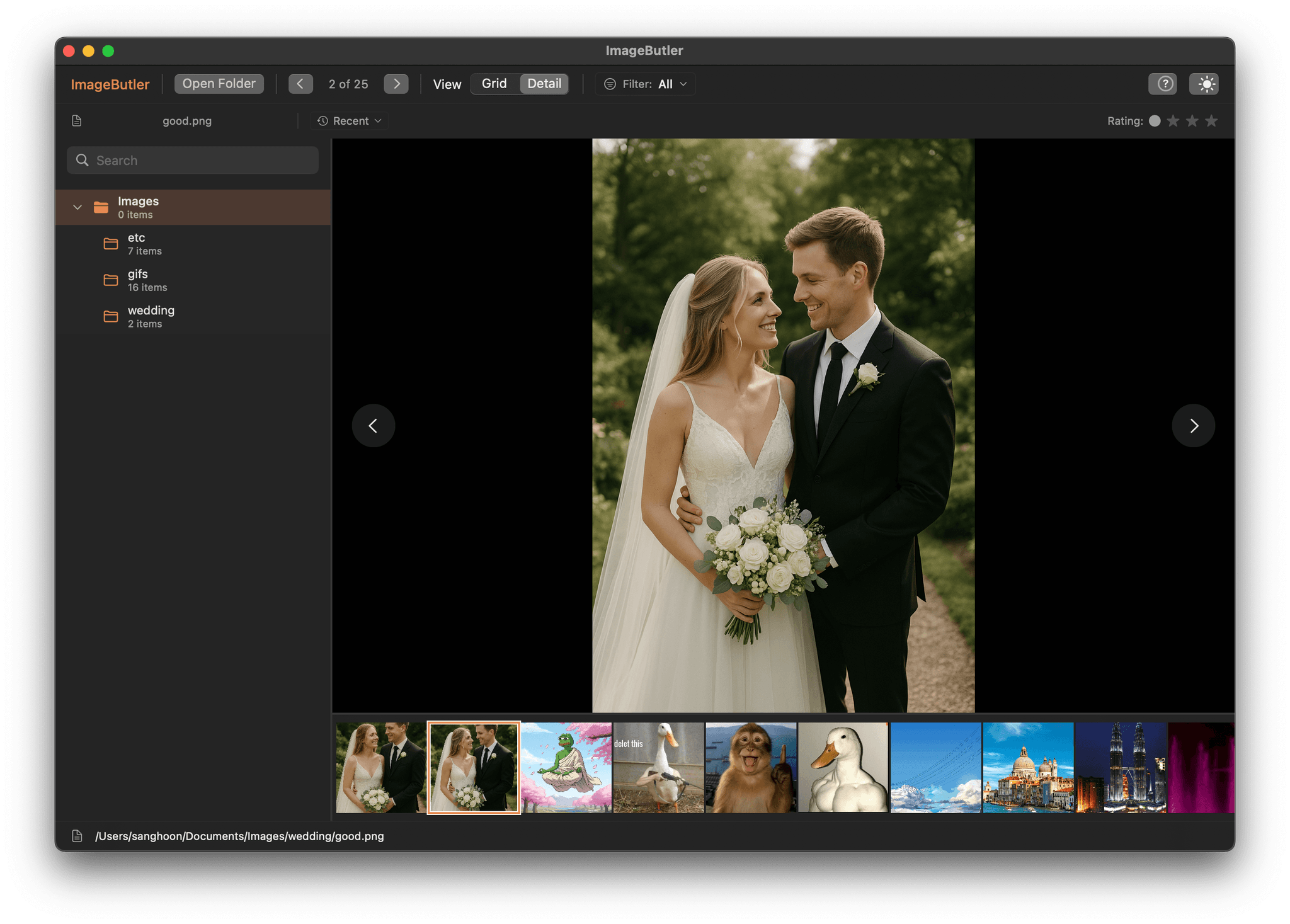
FOCUS MODE
Full-screen
detail view
Press F to switch to distraction-free viewing. Rate photos instantly with Q and E keys while examining every detail.
SMART FILTERING
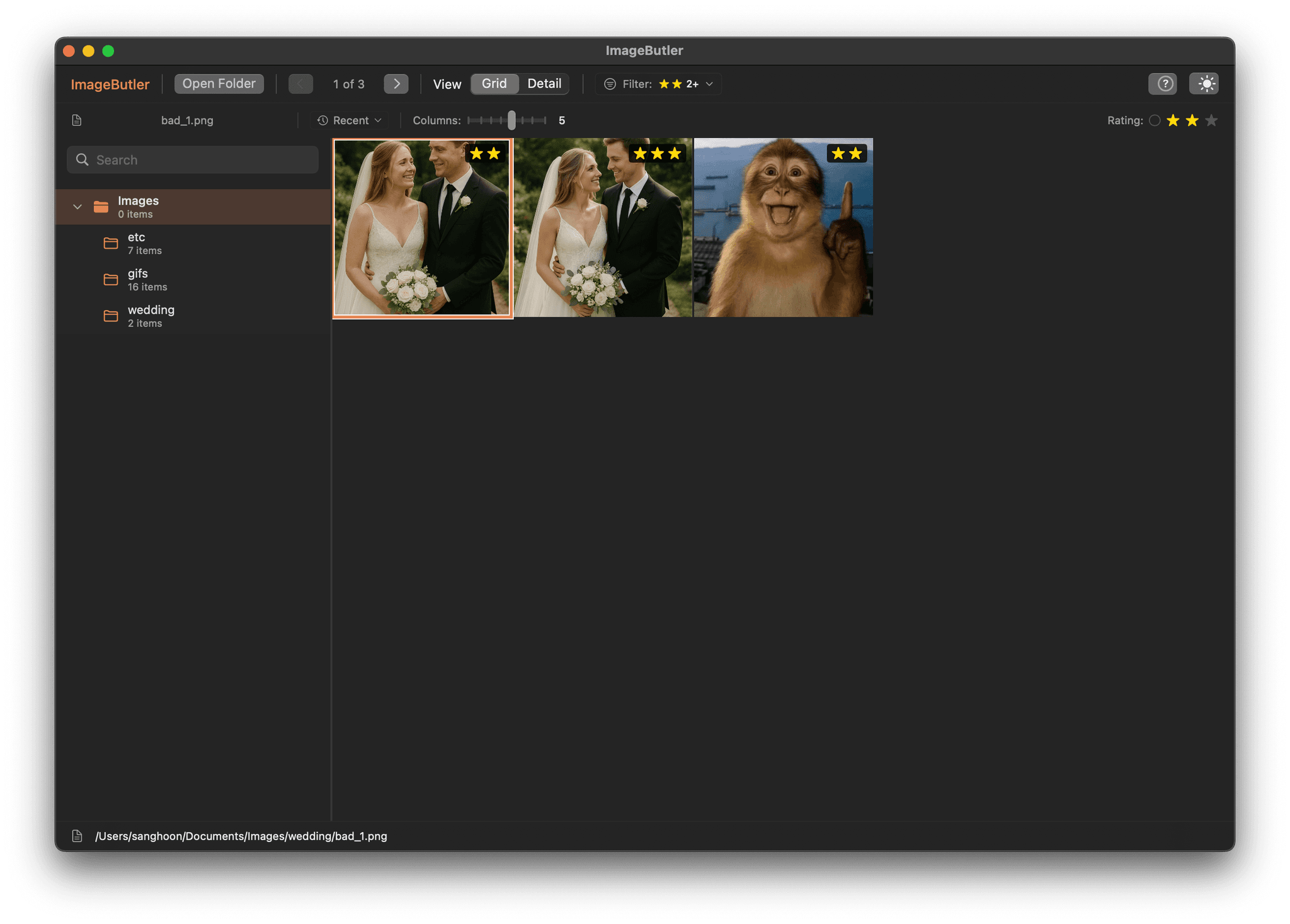
Find your best
shots instantly
Press 1, 2, or 3 to filter by star ratings. Hide the mediocre, focus on the magnificent. Your portfolio emerges from the chaos.
“Finally, a tool that understands how photographers actually work”
EFFICIENCY COMPARISON
Why photographers choose
ImageButler
See how ImageButler transforms your photo management workflow
| Task | ImageButler |
|---|---|
📁 Browse 1000 photos Navigate through large collections | 30 seconds Instant navigation |
⭐ Rate 100 photos Organize by quality | 2-3 minutes Q/E keyboard shortcuts |
🔍 Find best shots Filter by rating | 1 keystroke Press 1, 2, or 3 |
💾 Memory usage System resources | Smart, adaptive Only what you need |
🚀 Learning curve Time to proficiency | Under 5 minutes Intuitive shortcuts |
Result: Complete a full photo sorting session8x faster than traditional methods
What used to take an entire afternoon now takes less than an hour
Designed for speed.
Built for professionals.
Every detail crafted to help photographers work faster and smarter
Lightning Fast
Navigate through thousands of images instantly with optimized loading performance
Smart Filtering
Rate photos 1-3 stars, then filter to instantly find that perfect shot among thousands
Keyboard Shortcuts
Efficient workflow with intuitive keyboard controls designed for professional speed
ENGINEERING EXCELLENCE
Built with Apple's
latest technologies
Intelligent memory management and adaptive performance optimization deliver lightning-fast performance across all Apple Silicon Macs
Dynamic Memory Management
Automatically adapts cache size and processing thresholds based on your Mac's memory configuration
Multi-Threaded Processing
Leverages all CPU cores with priority-based loading queues for instant responsiveness
Adaptive Cache System
Intelligent caching with automatic compression and memory pressure handling
System-Aware Optimization
Automatically adjusts performance settings based on your Mac's hardware specifications
Predictive Preloading
Advanced algorithms predict and preload images you're likely to view next
Thread-Safe Architecture
Built with Swift Concurrency and actor-based isolation for rock-solid stability
Engineered for Apple Silicon
Every line of code is optimized for Apple's M-series chips. Dynamic performance scaling ensures optimal experience whether you're on a MacBook Air or Mac Studio.
500+
Images cached intelligently
4GB
Adaptive memory limit
25+
Predictive preload range
Simple shortcuts,
incredible productivity
Learn in minutes, master in hours. Your workflow will never be the same.
Navigate Images
Rating controls
Toggle view mode
Filter
by stars
Fit to screen
Refresh images
System Requirements
Minimum Requirements
• Apple M1 chip or later
• macOS 14.6 or later
• 8GB RAM
• 50MB available storage
Never lose that perfect shot again
Stop scrolling endlessly through thousands of photos. Find exactly what you want, instantly.
Available on Mac App Store