
ImageButler
Fast photo culling,
built for your left hand.
Rate, reject and pick the best shots from thousands of photos without leaving the keyboard.

Available now on the Mac App Store
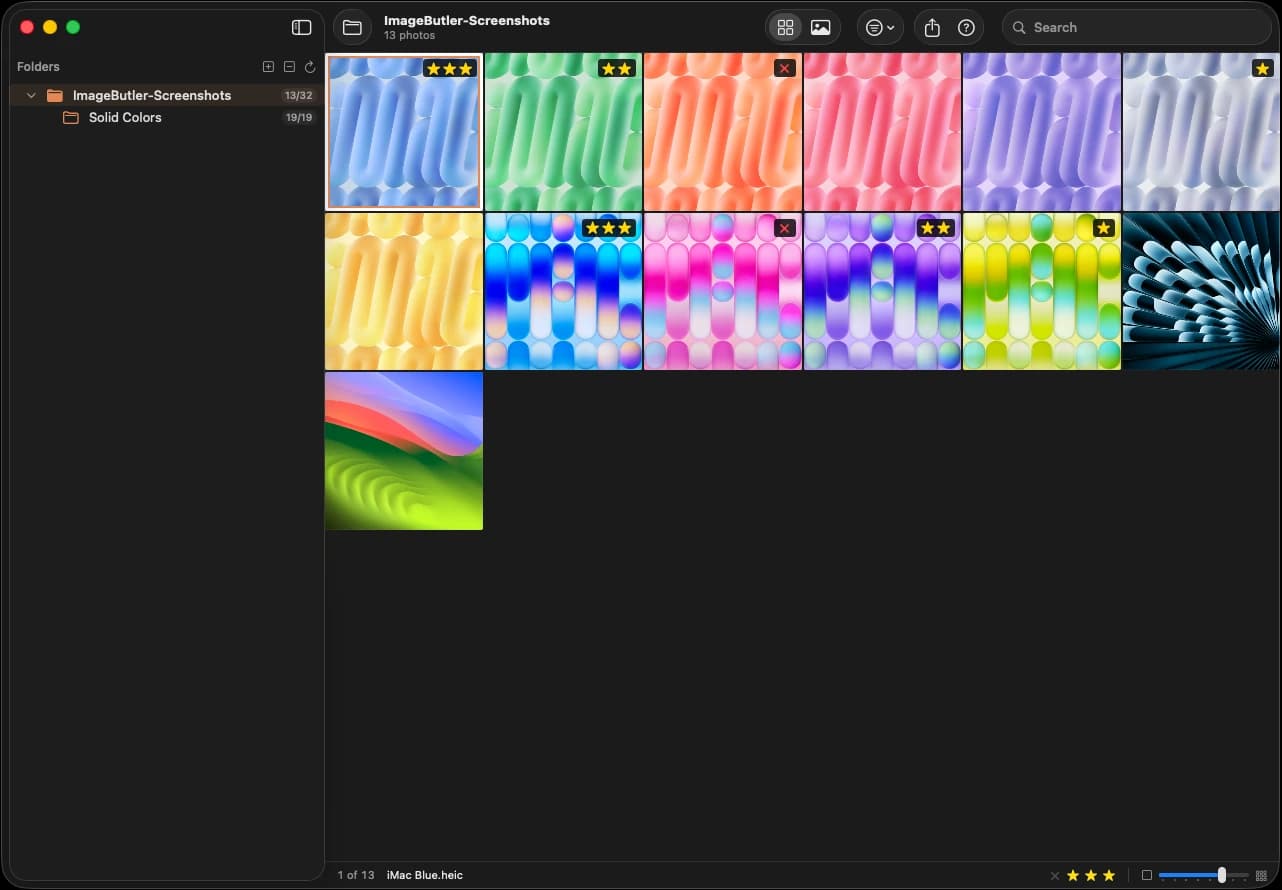
From first look to final export
A keyboard-first workflow for getting through a shoot fast.
1
Rate
EQRaise or lower stars
2
Reject
XMark shots to delete
3
Delete
⌫Trash all rejects at once
4
Filter
1–3Show only your picks
5
Export
Copy or move your picks
New
Reject and delete in one step
Mark unwanted shots with X, then press Delete to move every reject to the Trash at once. Changed your mind? ⌘Z brings them back.

3-tier star rating
Narrow thousands down to your picks
Rate keepers with E, lower a rating with Q, then press 1–3 to review only your picks. Repeat until only the best remain.
Sort by capture time, and burst shots are labeled right in the grid.
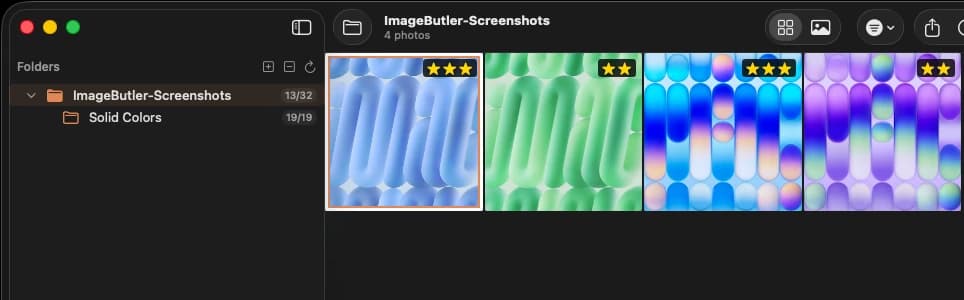
Compare
Pick the winner side by side
Press C to pin a photo and compare it with the next shots. Zoom and pan stay in sync, so you can check focus where it matters.
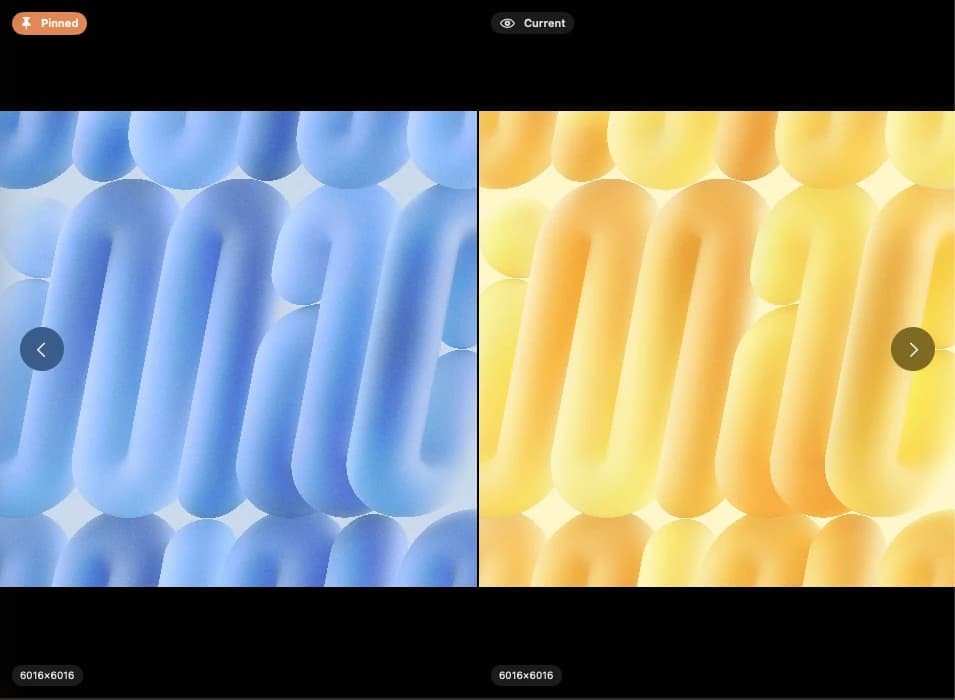
Detail view
Every detail, one key away
Zoom up to 8× and press Space to switch between Fit and 100%. Press I for camera, lens, focal length, aperture, shutter speed and ISO.
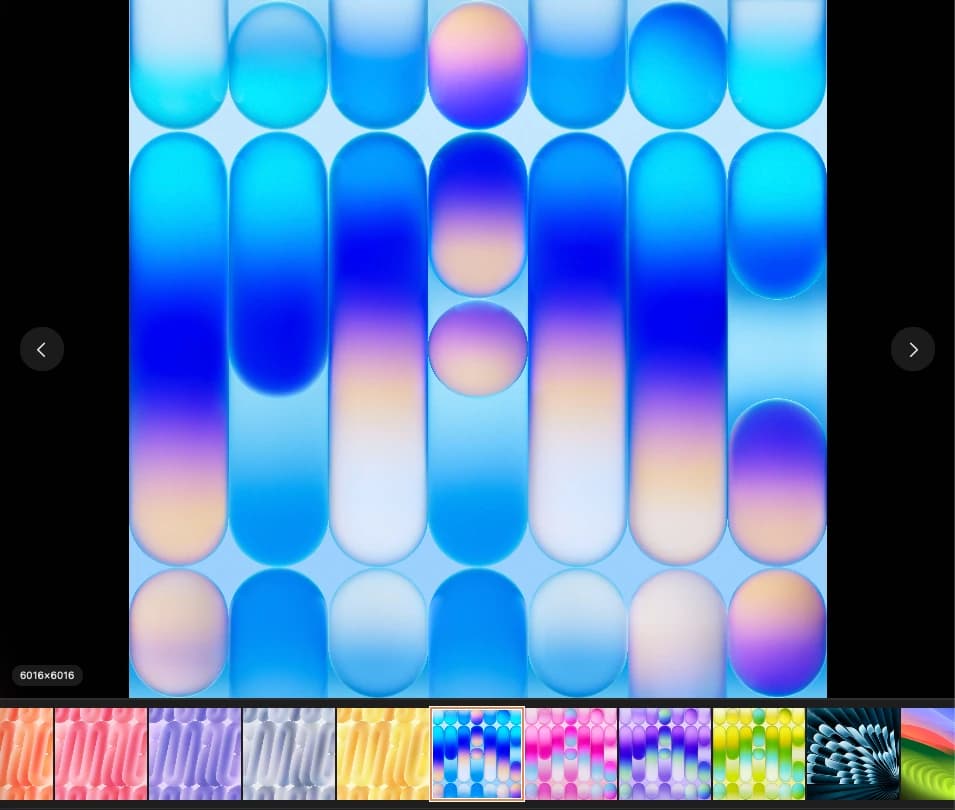
Export
Export exactly what you mean
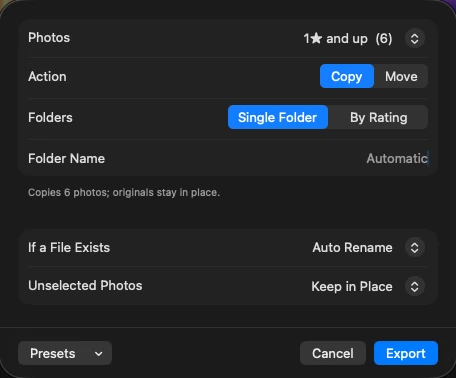
The Export window shows exactly what will happen. Copy or move any rating range at any time — into a single folder or sorted by rating — together with RAW files and ratings.
RAW + JPEG, paired
RAW + JPEG pairs appear as one photo and are rated, exported and deleted together.
Ratings that travel with your photos
Ratings are saved to standard XMP sidecar files that Adobe Lightroom and Bridge can read.
DSC_0412.NEF
DSC_0412.JPG
DSC_0412.xmp ★★★
Every shortcut under one hand
Move with WASD, rate with E/Q, reject with X. A built-in guide shows every key on first launch.
Fast in folders of any size
Progressive loading, efficient thumbnails and smarter memory and disk caching. Your last folder reopens automatically.
- faster thumbnail generation
- 6×
- faster thumbnail generation
- images browsed smoothly
- 10,000+
- images browsed smoothly
- RAW files without memory issues
- 50MB+
- RAW files without memory issues
- zoom in Detail view
- 8×
- zoom in Detail view
Get to your best shots faster
Made for weddings, events and large shoots, portfolio curation and client delivery.
Available on Mac App Store
Apple M1 chip or later · macOS 14.6 or later · 8GB RAM · 50MB available storage
Privacy Policy