
DiskButler
Free up space on your Mac,
safely.
DiskButler finds caches, leftovers, duplicates and developer junk, and shows you every item and why before anything is moved to the Trash.
Coming soon to the Mac App Store
- Everything stays on your Mac
- Items go to the Trash first
- No subscription
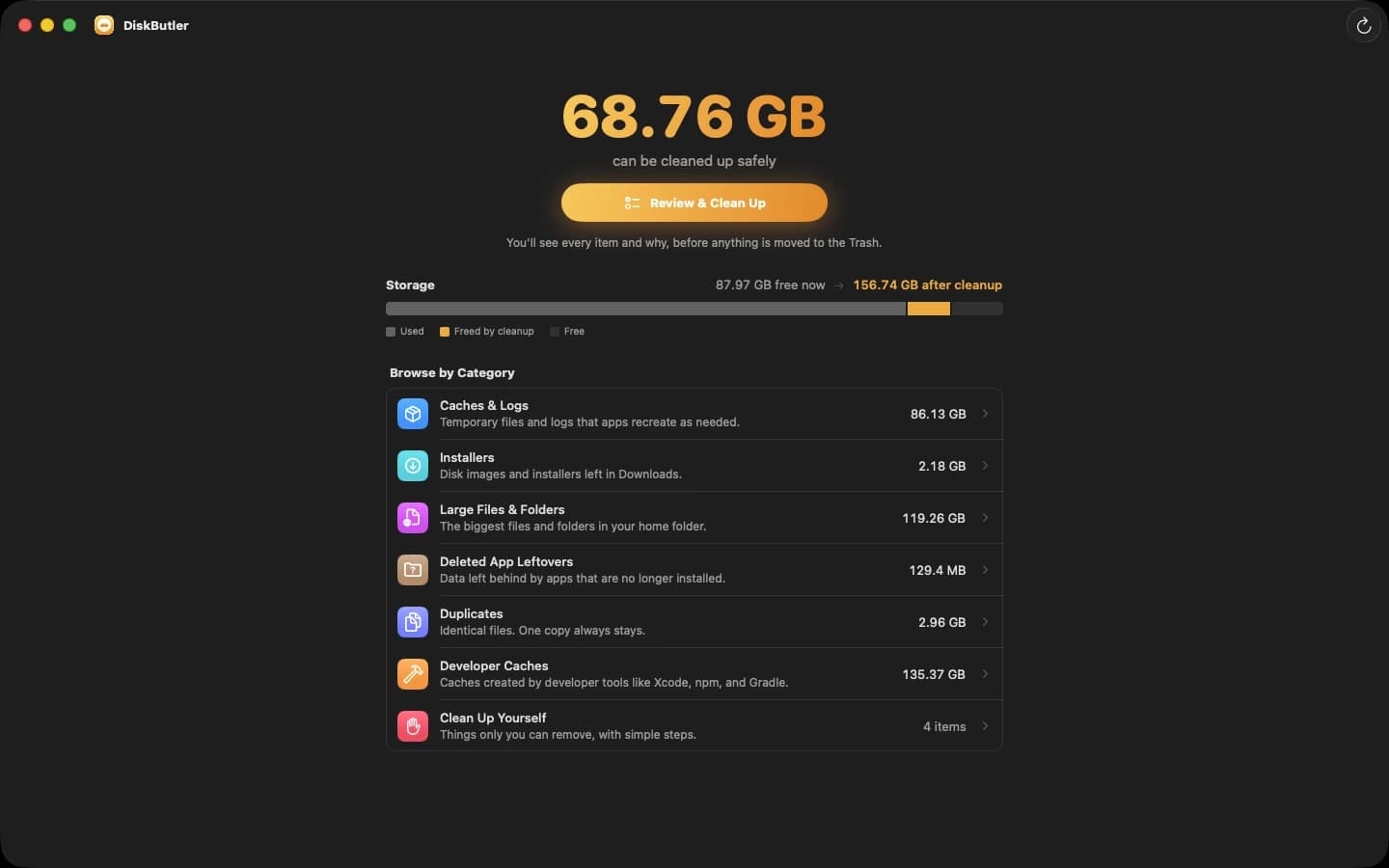
Scan, review, clean up
You decide what goes, item by item.
1
Scan
DiskButler looks through caches, leftovers, duplicates and developer files.
2
Review
See every item, why it can go, and what happens if you remove it.
3
Clean up
Selected items move to the Trash, so you can still put anything back.
Scan
See what's taking up space
DiskButler checks installed apps, caches and logs, leftovers from deleted apps, developer caches, your home folder and duplicate files.
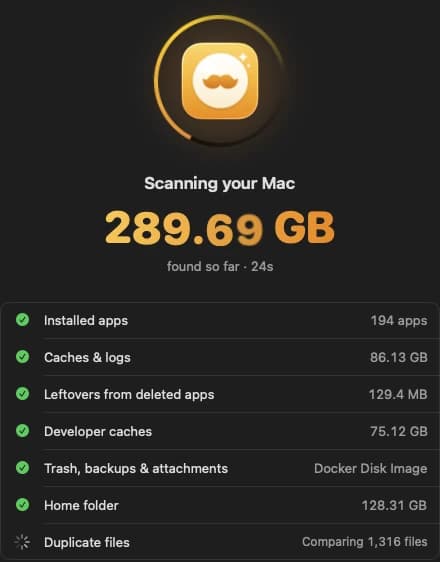
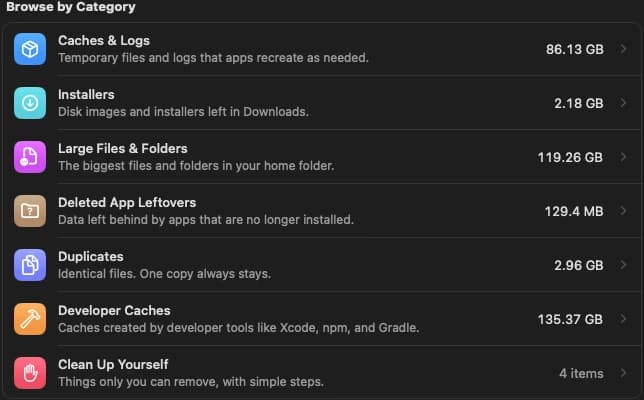
Categories
Browse by category
- Caches & LogsTemporary files and logs that apps recreate as needed.
- InstallersDisk images and installers left in Downloads.
- Large Files & FoldersThe biggest files and folders in your home folder.
- Deleted App LeftoversData left behind by apps that are no longer installed.
- DuplicatesIdentical files. One copy always stays.
- Developer CachesCaches created by tools like Xcode, npm and Gradle.
- Clean Up YourselfThings only you can remove, with simple steps.
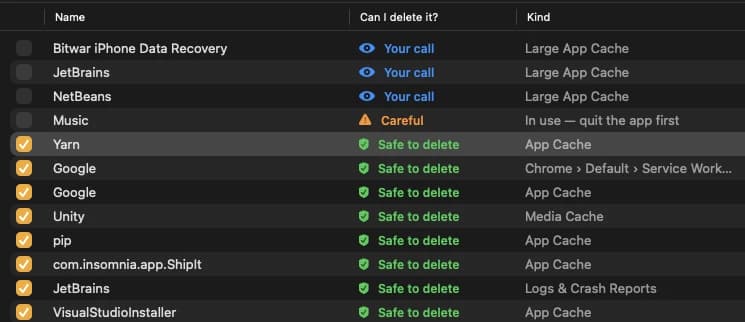
Can I delete it?
A clear answer for every item
Every item tells you whether it can go, so you never have to guess.
Details
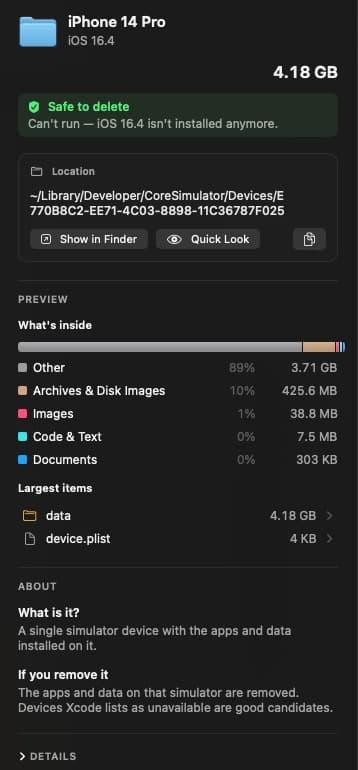
Know what it is before you remove it
See where it lives, what's inside, what it is and what happens if you remove it. Show it in Finder or open Quick Look.
Cleanup plan
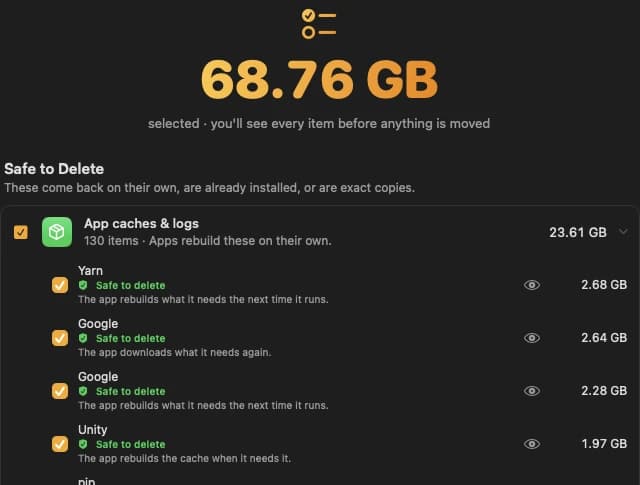
Start from a safe plan
The cleanup plan selects things that come back on their own, are already installed or are exact copies. Check or uncheck anything.
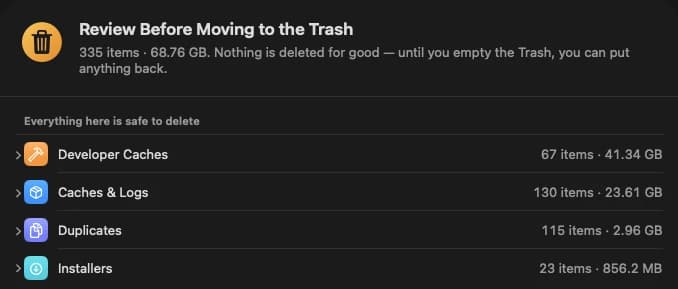
Trash first
Nothing is deleted for good
Review everything before it moves. Until you empty the Trash, you can put anything back.
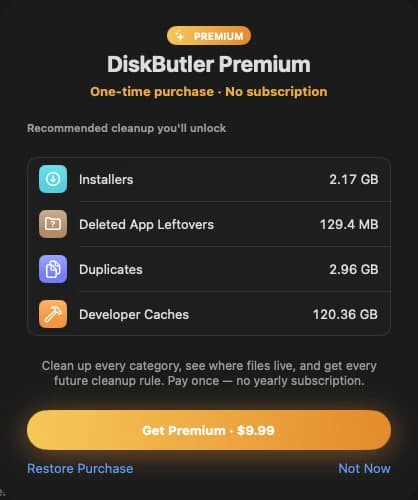
Premium
Pay once. No subscription.
Premium unlocks cleanup for every category, shows where files live and includes every future cleanup rule. One-time purchase, no yearly subscription.
Private
Everything stays on your Mac
DiskButler works entirely on your Mac. It doesn't collect any data, and there's no account to create.
Get your space back
Everything stays on your Mac. Items go to the Trash first.
Coming soon to the Mac App Store
Privacy Policy